
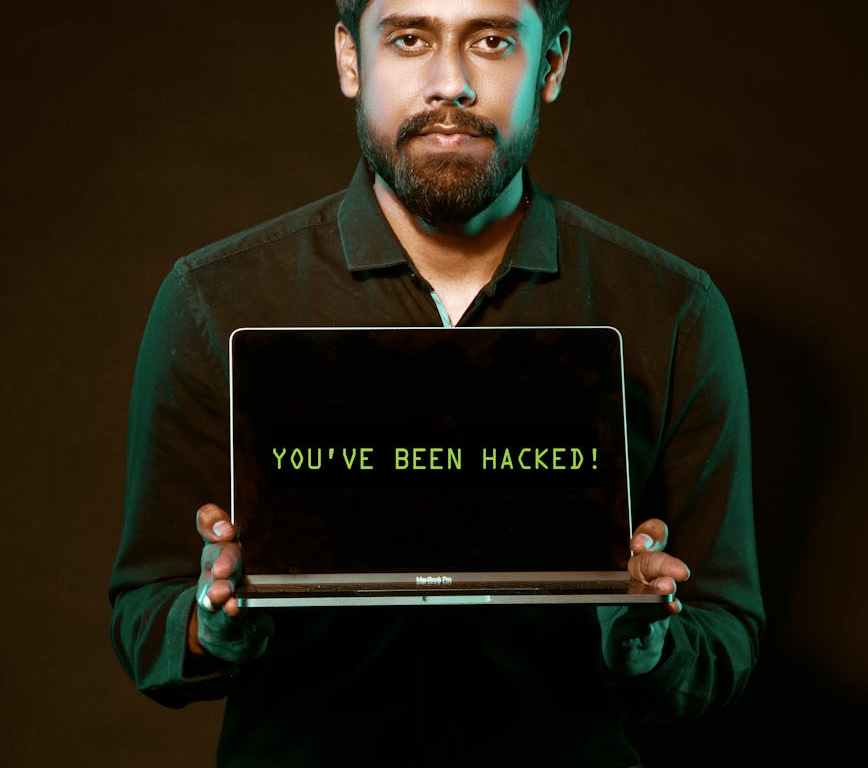
In today’s digital age, cybercriminals are constantly evolving their tactics to steal your valuable information. This post highlights several prevalent scams, including Phishing, Smishing, Quishing, Vishing and provide actionable tips to help you avoid falling victim.
Thieves no longer enter the house in the middle of the night to take away your precious stuff. Technology has given them new routes to access your bank accounts and other sensitive information.
As a technology novice, I have fallen prey to two scams, lost INR 1 lakh and my 7-year-old Instagram account in the process. Yes, I did understand those scams eventually, but new ones keep springing all the time.
National Cybercrime Cell keeps sending SMS on reporting the crimes, and banks also keep sending warnings. What I strongly suggest is that you should read these messages and warning carefully till they are fully ingrained in your brain. You can report the crime on National Cyber Crime Reporting Portal. Dial 1930 to report a crime. You can also report through Sanchar Saathi App or sancharsaathi.gov.in
In fact, I came across an ad by ICICI Bank, which shows how people pose as policemen and over Zoom calls, phish your account details and eventually swipe all your money. In fact, the bank has an education series on online scams and you can read here.
Axis Bank also has Fraud Awareness information. You can access it here.
Reserve Bank of India has Educational and Awareness material on its website. You can download the booklets that have listed common cyber crimes. How PSQV operate:
- Phishing: Email Deception
Phishing remains a common and effective method used by cybercriminals. Phishing emails are designed to deceive you into:
- Revealing sensitive information
- Clicking on malicious links
- Downloading malware
These emails often impersonate trusted organizations and use social engineering tactics to manipulate you. Spear-phishing is a targeted form of phishing that focuses on specific individuals or organizations.
Types of Phishing Emails
- Data Entry Phishing: These emails contain fake login forms to steal credentials like usernames, passwords, and credit card numbers.
- Click-Based Phishing: These attacks trick you into clicking on links that lead to malware-infected websites.
- Attachment Phishing: These emails carry malicious attachments that, when downloaded, can infect your device with malware.
- Some mails invoke your emotional moments, asking for donations for extremely sick people or stranded in a foreign country or even posing as relatives.
Protecting Yourself from Phishing
- Never share sensitive information via email or phone. Legitimate organizations rarely request sensitive details through these channels.
- Never click on links or respond to messages from unknown senders. If you’re unsure about the sender, verify their identity through a separate method.
- Report suspicious emails immediately. Use your email provider’s “Report Phishing” feature.
- The Rise of Quishing: QR Codes as a New Phishing Weapon
A new and increasingly concerning threat is Quishing, or QR code phishing. This scam involves tricking you into scanning a malicious QR code with your mobile phone. Once scanned, the QR code can redirect you to a fraudulent website designed to:
- Download malware onto your device.
- Trick you into providing sensitive information like login credentials or financial details.
Quishing is particularly dangerous because it exploits the tendency for users to trust QR codes and often bypasses desktop security measures by targeting mobile devices, which may have weaker defenses.
How to Avoid the QR Code Scam (Quishing)
Protect yourself from Quishing with these essential tips:
- Never scan QR codes from unknown or untrusted sources. If you don’t recognize where it came from, don’t scan it!
- Verify QR codes from trusted sources. If you receive a QR code via email from a source you trust, confirm its legitimacy through a separate channel, such as a text message or phone call.
- Be wary of urgency and emotional appeals. Like traditional phishing, Quishing often uses tactics like creating a sense of urgency or playing on your emotions (fear, excitement) to rush you into scanning.
- Avoid QR codes promising “freebies” or prizes. Be highly suspicious of unsolicited messages offering rewards in exchange for scanning a QR code.
- Preview the URL before opening. Most QR code readers show a preview of the website address before you visit it. Carefully check for:
- HTTPS (secure) instead of HTTP
- Correct spelling (no typos)
- A trusted domain name
- Avoid shortened or unfamiliar links.
- Be cautious when a site asks for sensitive information. If a QR code directs you to a website requesting personal details, login credentials, or payment information, exercise extreme caution.
- Practice good password hygiene. Change your passwords regularly and avoid using the same password for multiple accounts.
- Enable Multi-Factor Authentication (MFA). MFA adds an extra layer of security, making it much harder for attackers to access your accounts even if they obtain your password.
- Stay informed. Educate yourself about common QR code scams to recognize and avoid them.
- Smishing: SMS and WhatsApp Phishing
Smishing, short for SMS phishing, is another prevalent scam that uses text messages (SMS) or messaging apps like WhatsApp to trick you. Cybercriminals impersonate legitimate entities, such as:
- Your bank
- Your organization’s IT department
- Delivery services
- Government agencies
They send messages designed to lure you into clicking on malicious links or providing sensitive information.
Why Smishing is Dangerous
Smishing can be particularly effective because we often trust SMS messages more than emails. The messages often create a sense of urgency or offer enticing rewards to make you act quickly without thinking.
Protecting Yourself from Smishing
- Always verify the sender. Do you recognize the phone number or sender ID? Be suspicious of unknown or unusual senders.
- Be wary of urgent requests and offers. Messages that demand immediate action or promise unbelievable deals are often red flags.
- Never click on links in suspicious messages. Avoid tapping on any hyperlinks in messages from unknown senders.
- Never reply with sensitive information. Do not provide personal details, passwords, or financial information in response to an SMS or WhatsApp message.
- Be aware that Smishing can occur on various platforms. Stay vigilant on WhatsApp, Facebook Messenger, and other messaging apps.
- Avoid auto-saving passwords. Do not save passwords on your mobile device’s browser to prevent them from being compromised if your device is hacked.
- Stay alert. Always exercise caution when managing your messages.
- Vishing: Voice Phishing or Call Spoofing Fraud
Vishing, or voice phishing, is a scam that uses phone calls to deceive victims. Fraudsters impersonate trusted individuals or organizations to trick you into revealing sensitive information or transferring money. Advanced technologies like voice cloning and deepfakes make Vishing increasingly difficult to detect.
- Guard yourself from OTP scams
Be cautious of urgent requests: Scammers often create a sense of urgency to pressurize you into sharing your OTP. Verify the request before acting.
Use official websites or apps: Stay safe when sharing OTPs. Always visit the official site or app directly – no shortcuts.
Verify requests: If an OTP request pops up out of the blue or feels fishy, double check its authenticity before you react.
Keep OTPs confidential: Never share OTPs with anyone through phone calls, e-mails, text messages or social media.
Staying vigilant and informed is your best defense against these scams. By understanding the tactics used by cybercriminals and following the tips, you can significantly reduce your risk of falling victim to Quishing, Smishing, Vishing, and Phishing. Remember, when in doubt, err on the side of caution and verify the legitimacy of any suspicious communication.
Resources
Cybersecurity News and Media
Staying updated with the latest news is crucial. Here are some reputable sources:
The Economist has a podcast The Scam Inc, and first three episodes are free.
The Hacker News: A widely followed platform providing cybersecurity news, data breaches, hacking incidents, and emerging threats.
Dark Reading: A respected cybersecurity news and analysis platform for IT and security professionals, offering insights on various security topics.
SecurityWeek: Provides in-depth news, research, and analysis on cybersecurity, targeting professionals in the industry.
Bleeping Computer: Offers cybersecurity news, malware removal guides, and technical support.
CSO Online: Covers a broad range of security topics, offering depth and insight for IT security professionals.
CyberScoop: Focuses on cybersecurity news related to policy, industry trends, and cyber defense, often covering government-related issues.
Infosecurity Magazine: A comprehensive magazine covering various aspects of information security.
Cybercrime Magazine: Focuses on cyber economic data, trends, and provides lists of top cybersecurity resources.
Cybersecurity Education and Training Platforms:
For a deeper understanding of cybercrimes and cybersecurity practices:
TryHackMe: A hands-on, gamified platform for learning cybersecurity through real-world scenarios, suitable for all levels.
Cybrary: Offers a wide range of cybersecurity courses and career paths, trusted by many organizations.
Coursera: Provides cybersecurity courses and professional certificates from reputable universities and organizations like Google and IBM.
EC-Council: A well-known provider of cybersecurity certifications and training programs, including Certified Ethical Hacker (CEH).
SANS Institute: A highly respected organization offering in-depth cybersecurity training and certifications for professionals.
I’m participating in #BlogchatterA2Z
You may like to read
Elon Musk’s Grok AI: Unfiltered Chatbot or Controversial Gimmick?
Brain Flossing: From TikTok Hype to My Own Mental Cleanse
My experiments with ChatGPT
Book Review: AI Rising: India’s Artificial Intelligence Growth Story by Leslie D’Monte and Jayanth N Kolla
Treasure Hunt: Guardian of the Lost River

 Queen of Treasures
Smishing is a new concept to me, and I’m surprised at how scammers continually come up with innovative schemes to deceive people. The latest one, “digital arrest,” is both the most bogus yet surprisingly effective scheme I’ve come across. It’s shocking to hear about people losing lakhs of rupees to this fraud. Your post provides all the essential information needed to raise awareness and protect oneself from such scams!
LikeLiked by 2 people
Digital arrest and call spoofing..I also get whatsapp from strange numbers, life’s amazing at the number of innovative ways to con
LikeLike
Your personal experience with falling victim to scams is a reminder that even the most cautious among us can be deceived. The way you broke down each type of scam—phishing, smishing, vishing, and quishing—made it so much easier to understand how they work and how to protect ourselves.
I especially appreciated the practical tips you provided for each scam type. For instance, your advice on verifying links before clicking and being cautious with QR codes is something I’ll definitely be more mindful of going forward. It’s also reassuring to know that there are resources like the National Cyber Crime Reporting Portal and the Sanchar Saathi App to report incidents.
Your post serves as a much-needed wake-up call to stay vigilant in this digital age. Thanks for sharing such valuable information.
LikeLiked by 1 person